
|
    Professional Email Marketing Solutions |
15 Useful WordPress Plugins for Development
Our experts came across these previously published articles we thought you would find useful.
These are re-posts from the original sources. Author: inspiretrends
Developers and designers are well aware of WordPress and everything about it. Chances are that if you are one of the two, you will have worked with WordPress and developed many websites based on that as well. The whole idea of WordPress is to make the process of web development a lot easier. If you are looking for a blog or a news website or even e-commerce, WordPress has various solutions for you and of course it pays to know everything about the CMS you are working with. The reason being that you can end up with a fantastic looking project at your hands.
The best thing about WordPress is that even though it makes your average development work fairly easy, it comes with a wide array of plugins for you to install to make stuff even easier. It will help you with your development activities, save time and induce efficiency and effectiveness in achieving your end-result. The process of installing plugins is as simple as accessing plugins from your dashboard, searching for one and installing the one you fancy. It does not matter how good you are with WordPress and how much you know about it, the fact is that even if you are genius, you could use some plugins to help you along the way. Here is a list of 15 Useful WordPress Plugins for Development. Let us know what you think and as always, your comments and opinions are welcome.
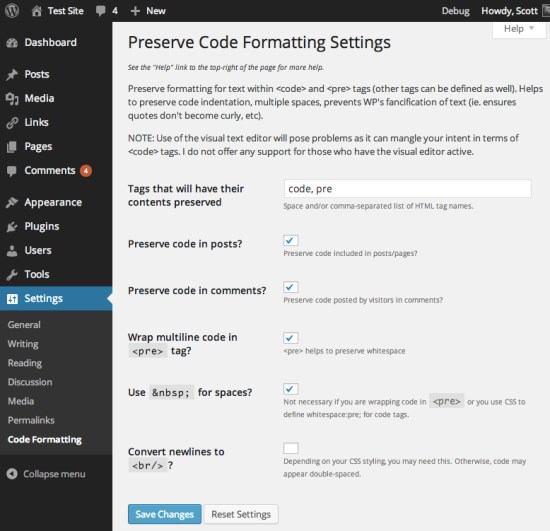
Preserve Code Formatting
Preserve formatting of code for display by preventing its modification by WordPress and other plugins while also retaining whitespace.
WP Migrate DB
Exports your database, does a find and replace on URLs and file paths, then allows you to save it to your computer.
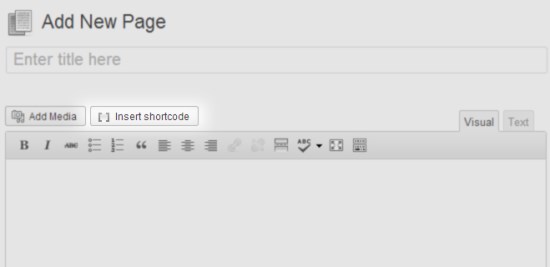
Shortcodes Ultimate
Supercharge your WordPress theme with mega pack of shortcodes
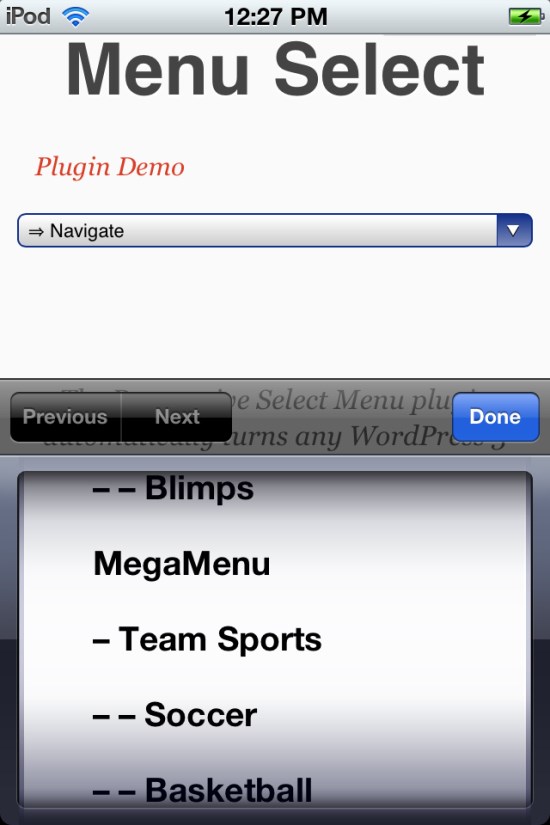
Responsive Select Menu
The Responsive Select Menu plugin automatically turns any WordPress 3 Menu into a select box / dropdown on mobile devices.
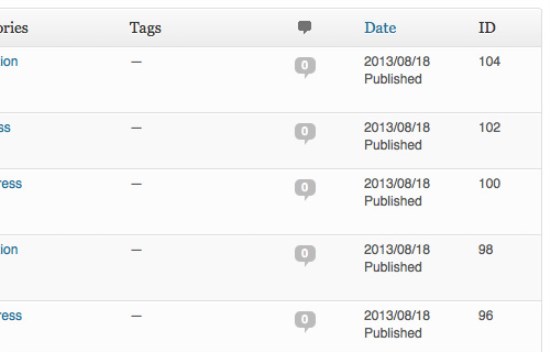
Simply Show IDs
Simply shows the ID of Posts, Pages, Media, Links, Categories, Tags and Users in the admin tables for easy access.
RTL Tester
Test your themes and plugins in RTL mode.
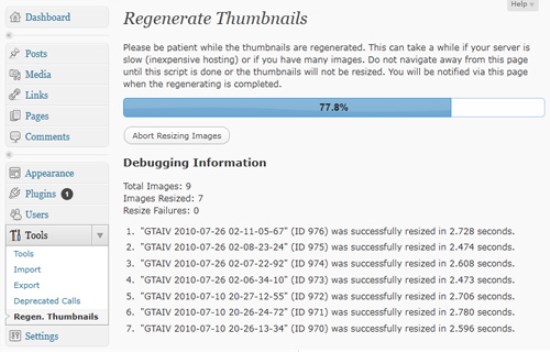
Regenerate Thumbnails
Allows you to regenerate your thumbnails after changing the thumbnail sizes.
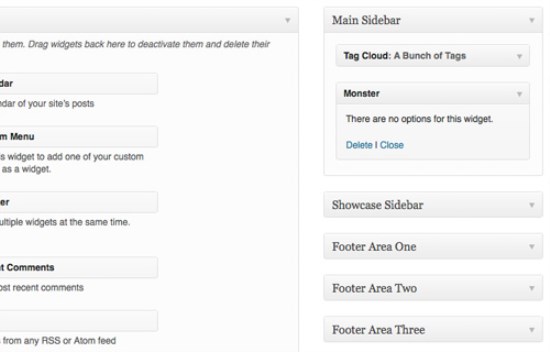
Monster Widget
Provides a quick and easy method of adding all core widgets to a sidebar for testing purposes.
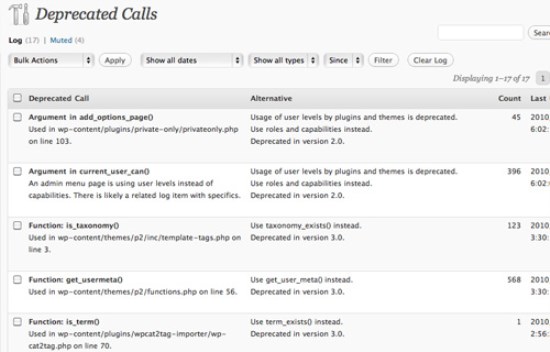
Log Deprecated Notices
Logs the usage of deprecated files, functions, and function arguments, and identifies where the deprecated functionality is being used.
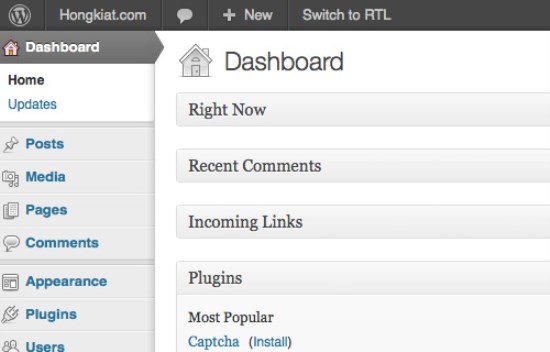
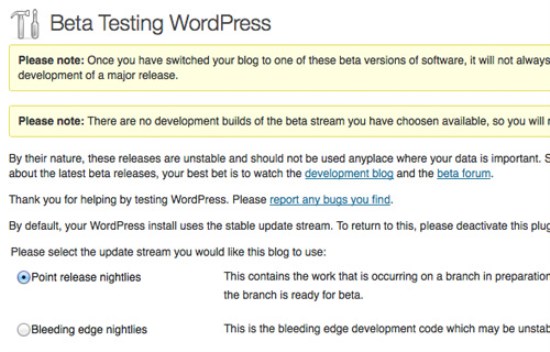
Beta Tester
This plugin provides an easy way to get involved with Beta testing WordPress.
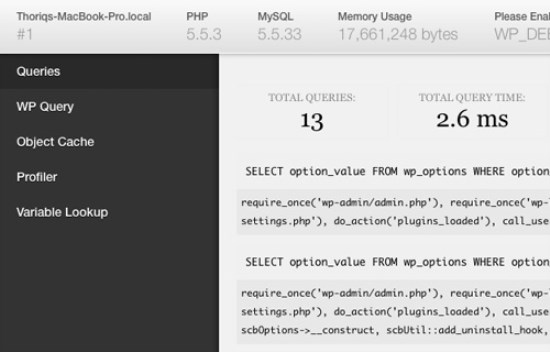
Debug Bar
Adds a debug menu to the admin bar that shows query, cache, and other helpful debugging information.
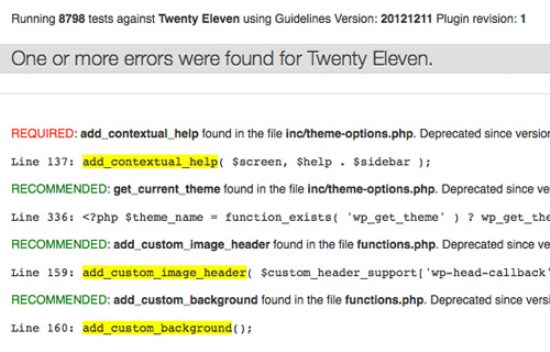
Theme Check
A simple and easy way to test your theme for all the latest WordPress standards and practices. A great theme development tool!
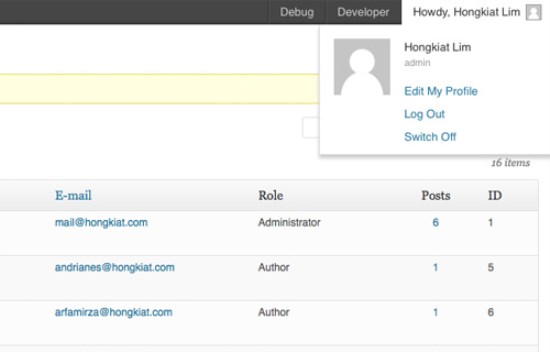
User Switching
Instant switching between user accounts in WordPress.
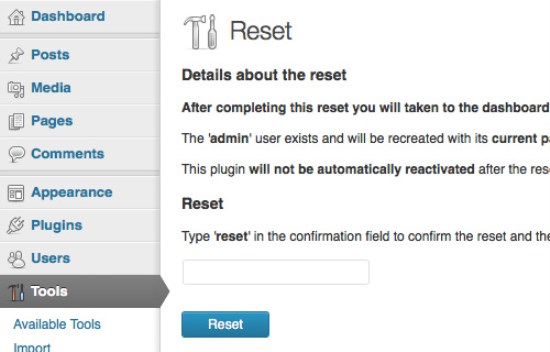
WordPress Reset
Resets the WordPress database back to it's defaults. Deletes all customizations and content. Does not modify files only resets the database.
Related Posts:

Leave a Reply

-SL, Association VP